01 / Home
Everything, in one place.
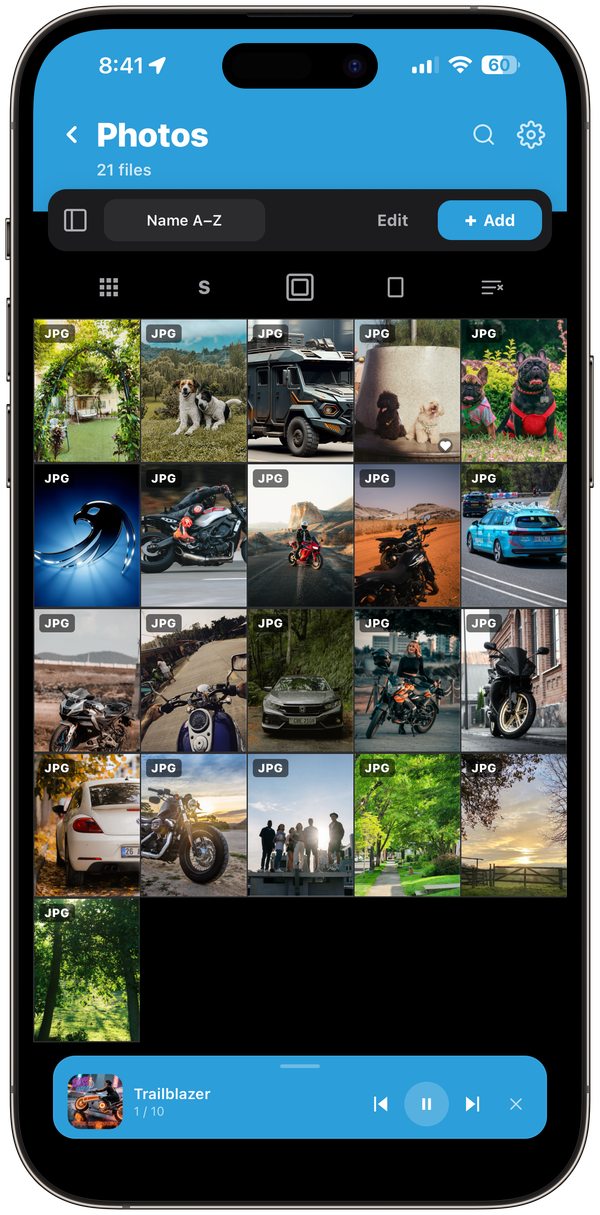
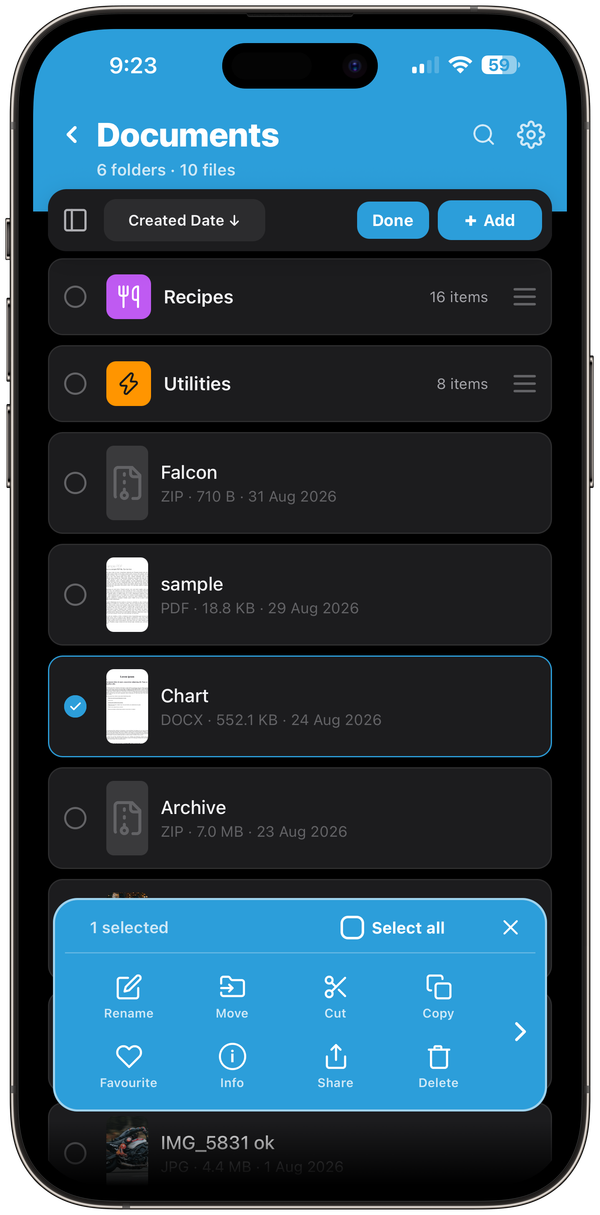
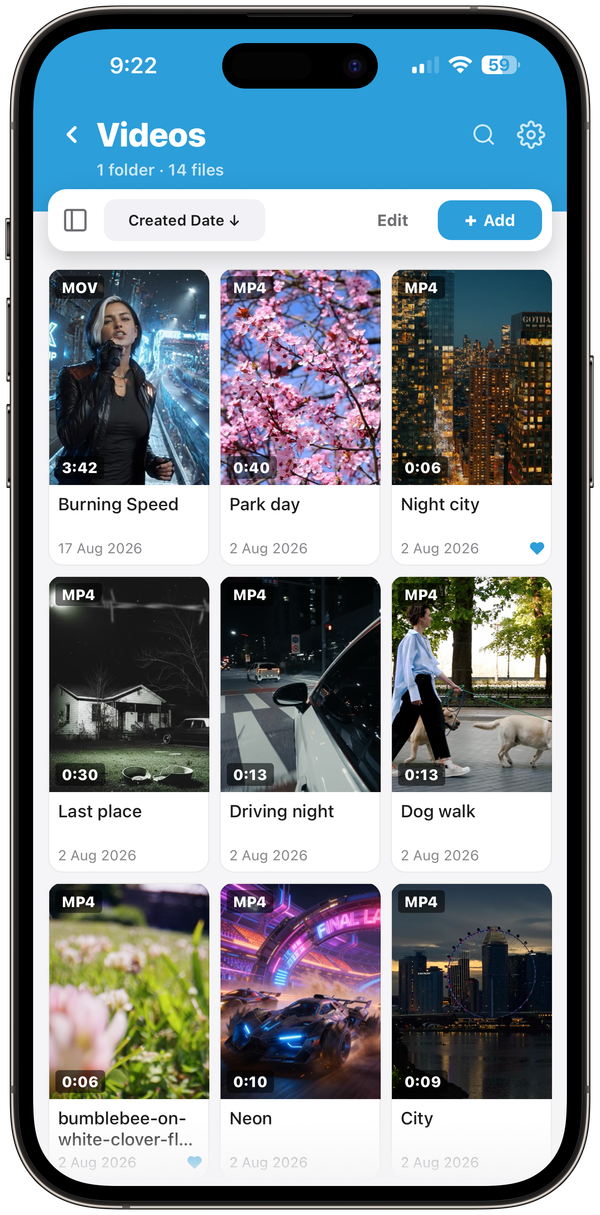
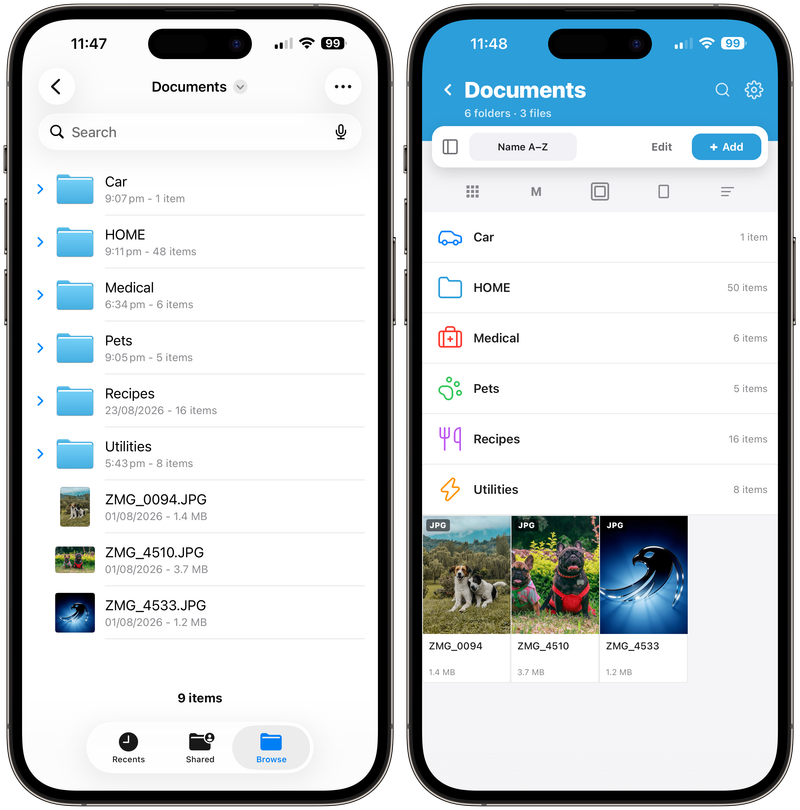
Import from Photos, Files, another app or your computer. Folders, playlists, favourites, sort and filter, plus a search that looks inside subfolders too. Give any folder its own header photo.
Videos, photos, music, documents and e-books, imported into one place on your device. Fast players, proper folders, and nothing that leaves your device.
Free on the App Store, for iPhone and iPad.
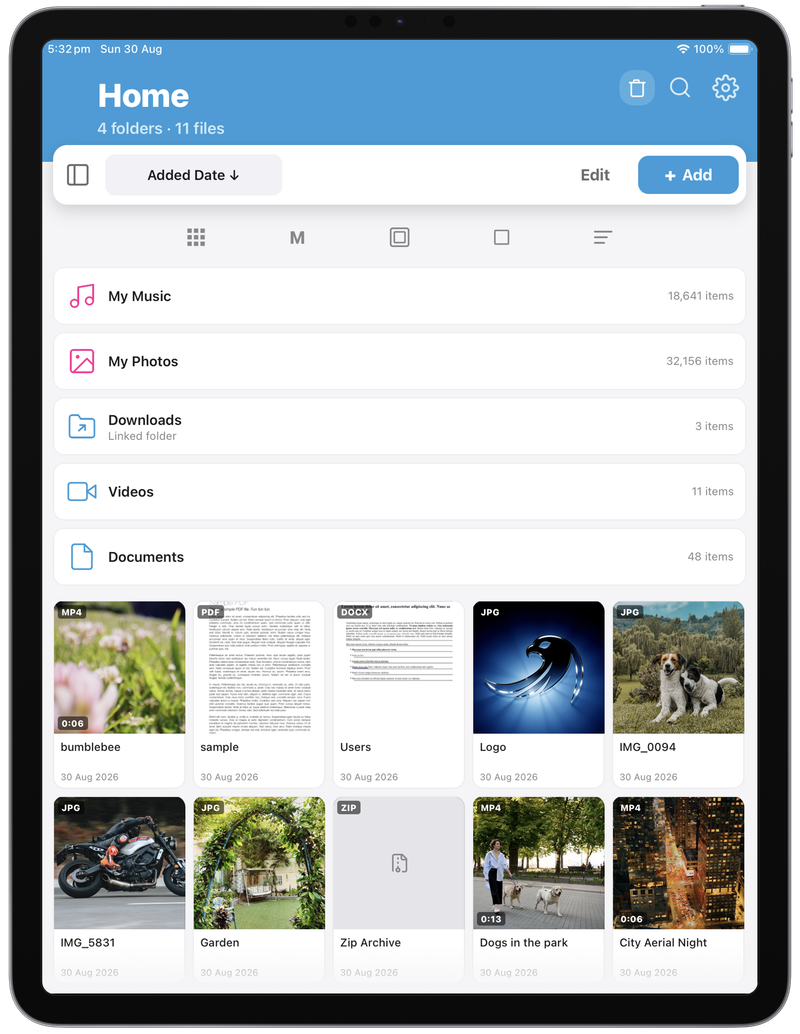
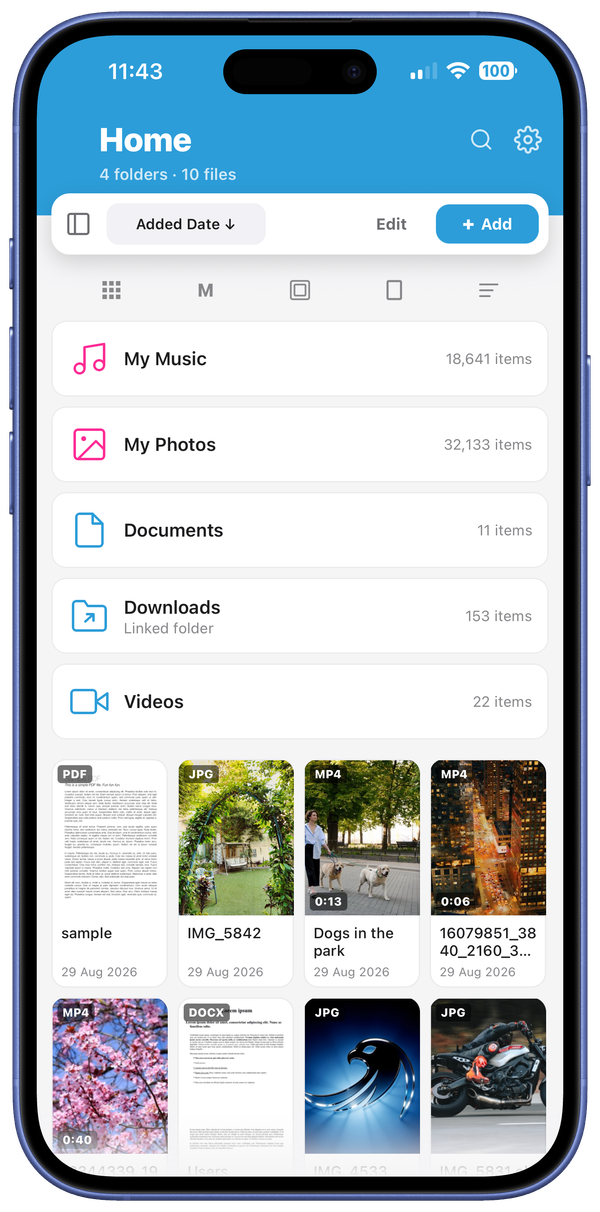
Import from Photos, Files, another app or your computer. Folders, playlists, favourites, sort and filter, plus a search that looks inside subfolders too. Give any folder its own header photo.
MP4, MOV, MKV, AVI, WMV, FLV, WebM and more, without converting a thing. Falcon remembers where you left off, and sends video to your TV over AirPlay, Chromecast and DLNA.
Album art, lyrics, full-screen scrubbing and background playback with lock-screen controls. Your device's own Apple Music library sits right inside Falcon too. With Pro, fix tags and swap artwork without leaving the app.
A fast full-screen viewer that plays Live Photos and animated GIFs, and lets you annotate a photo right there.
PDFs and epubs with in-document search. Create and edit text files, edit code, and scan documents with the built-in document scanner.
Select hundreds of files at once. Move, copy, rename in bulk, zip them up, or find and clear duplicates. Deleted something by mistake? It waits in the Trash until you say otherwise.
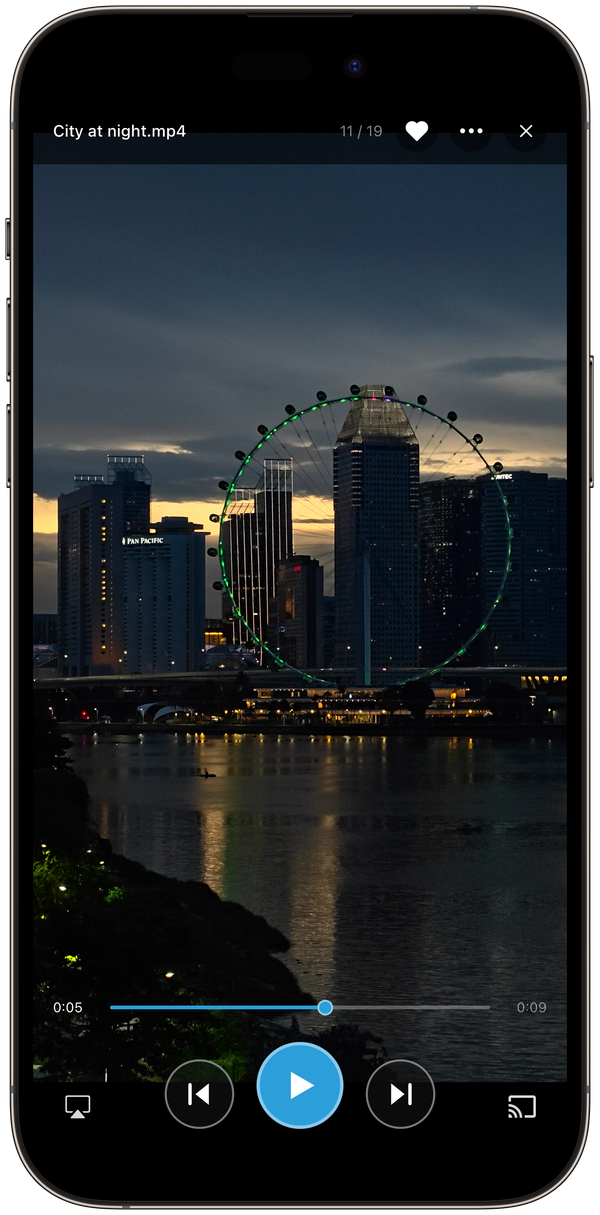
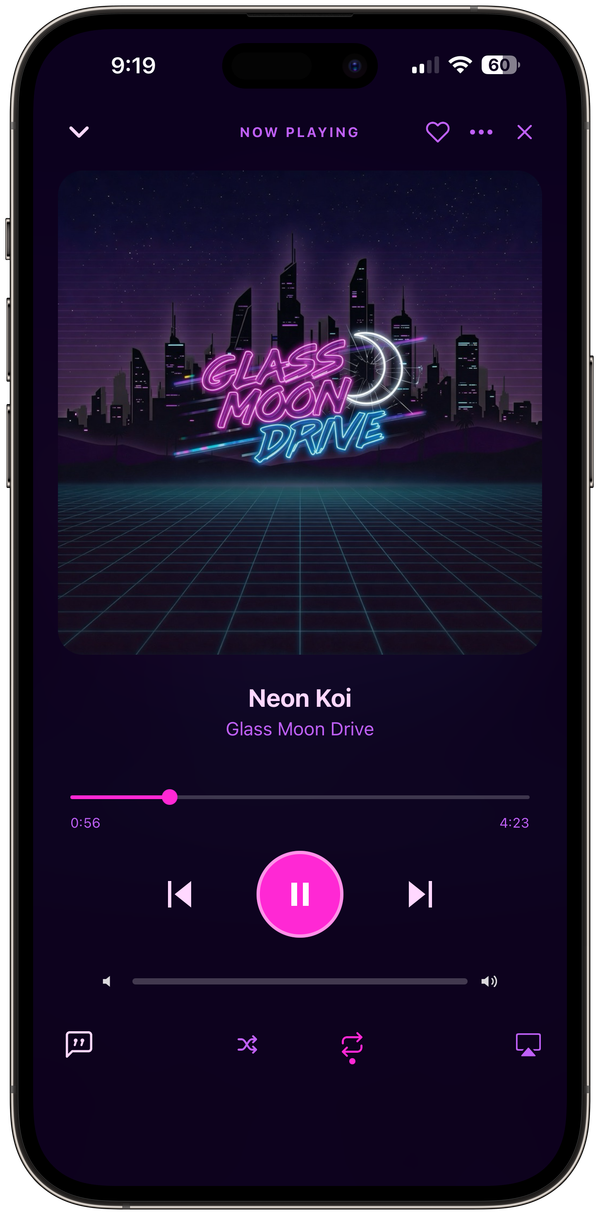
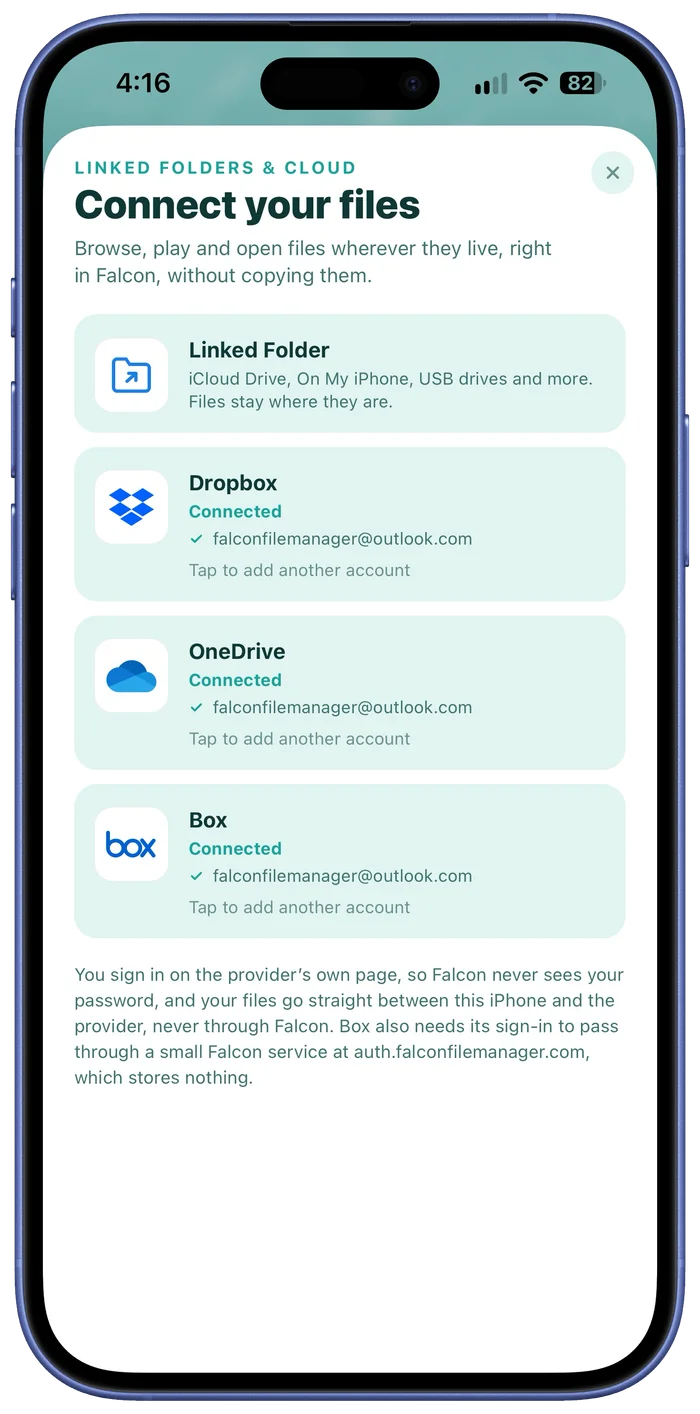
Bring the files you already keep elsewhere into Falcon, without moving them.
Sign in to your own cloud accounts, or link a folder from iCloud Drive, On My iPhone or a USB drive. Everything shows up in Falcon like any other folder: play videos and music, open documents and edit them where they live.
Nothing is copied to your device, and you can connect more than one account of each.
Video, audio, images, documents and archives, all handled on the device. No conversion needed.
and plenty more
A range of 36 themes, each with light and dark variants, with options for graphics or flat colour headers. Or design your own theme in the Theme Studio, and choose any image as a header. These are just some of them. Pick a swatch and the whole page dresses up in that theme.
Drag to spin, or pick a swatch. A sample of some of the available themes.
Default theme, dark
Your files never pass through us, and we don't collect anything. The only exception is an automatic crash report if something goes wrong, which contains nothing that identifies you.
Link any folder from the Files app or iCloud Drive, or connect your Dropbox, OneDrive and Box, and browse it all inside Falcon without importing or duplicating a thing. Changes go straight to the originals.
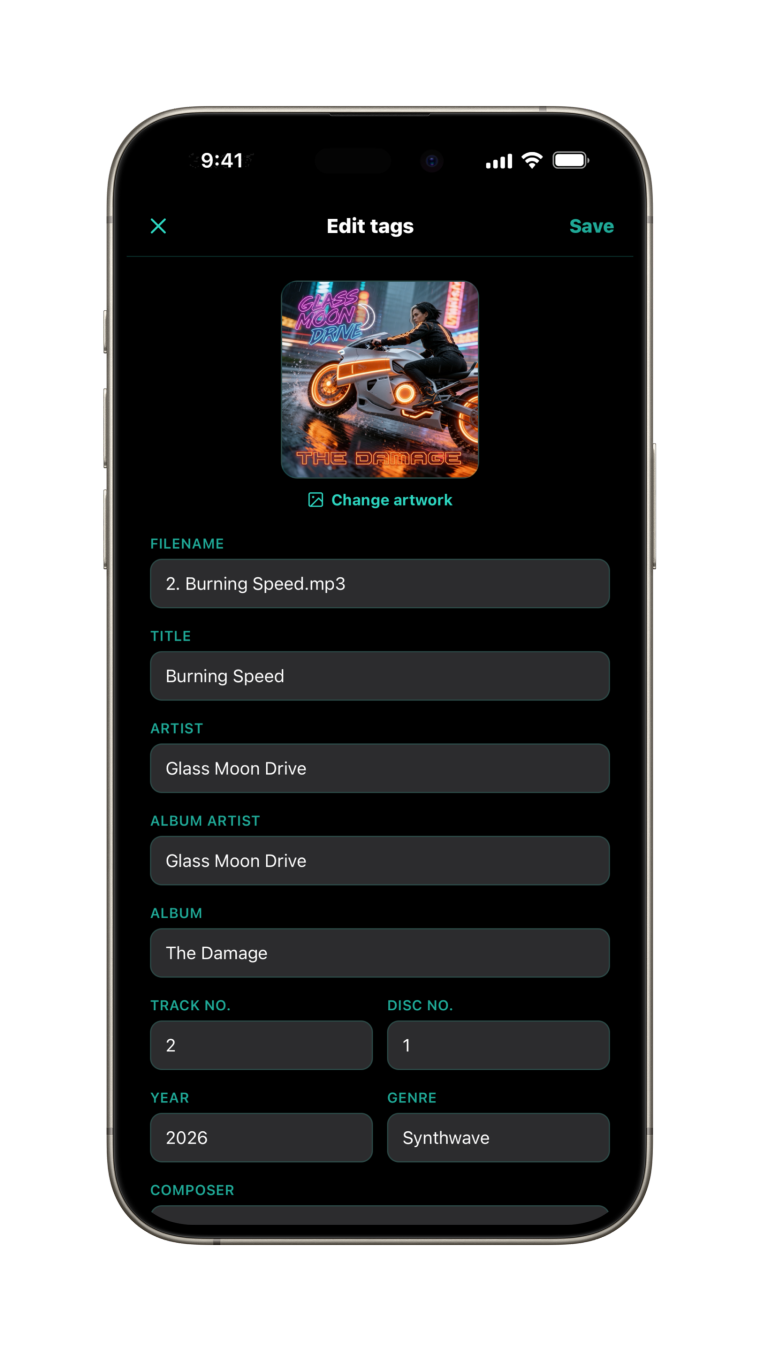
Title, artist, album, track and disc numbers, year, genre, lyrics and artwork, written into the files themselves. Edit several tracks together and shared fields apply to all of them.
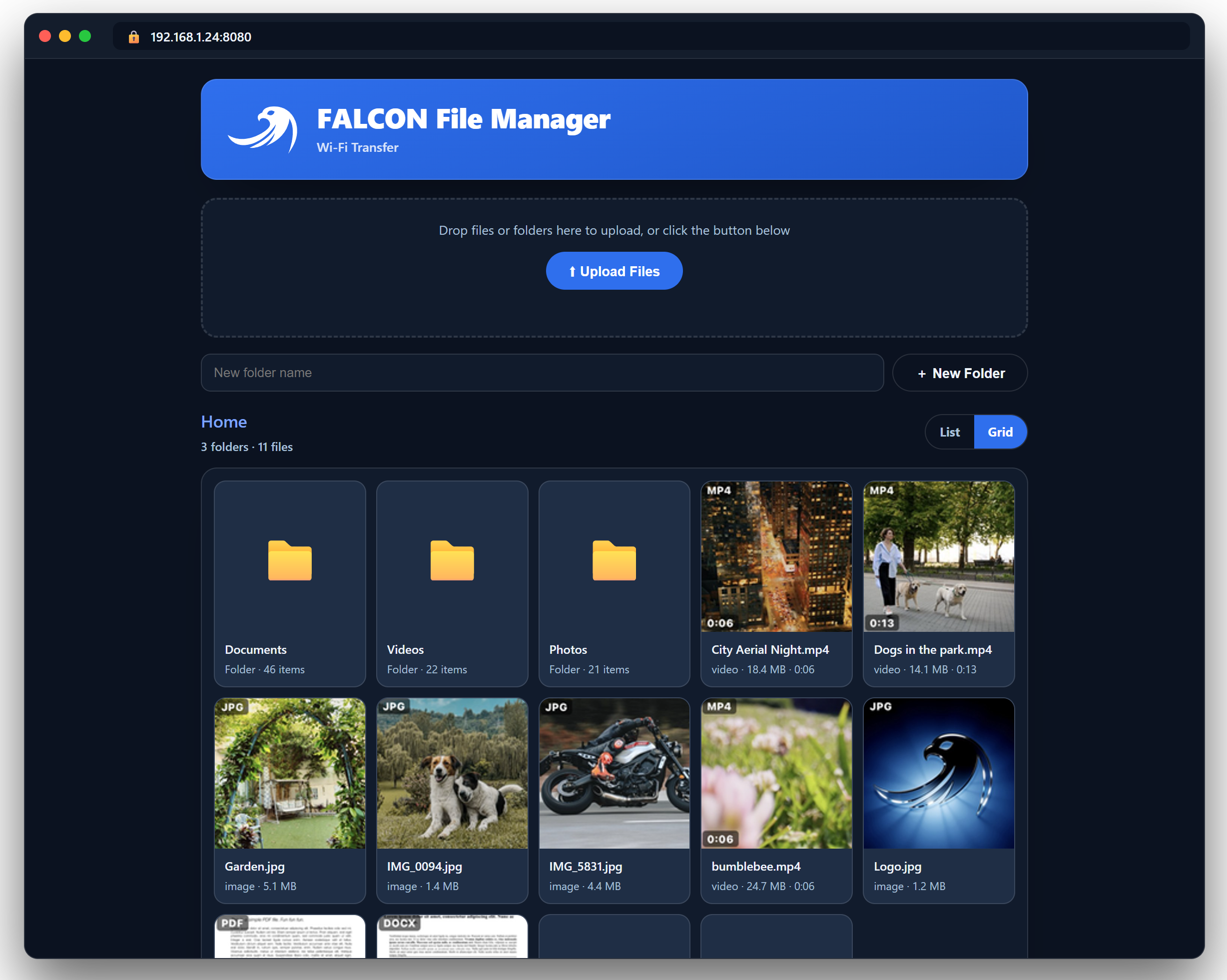
Move files to and from your computer from a browser on your local network. Browse, preview and play right in the browser page, in the same theme as the app. No cable, no cloud.
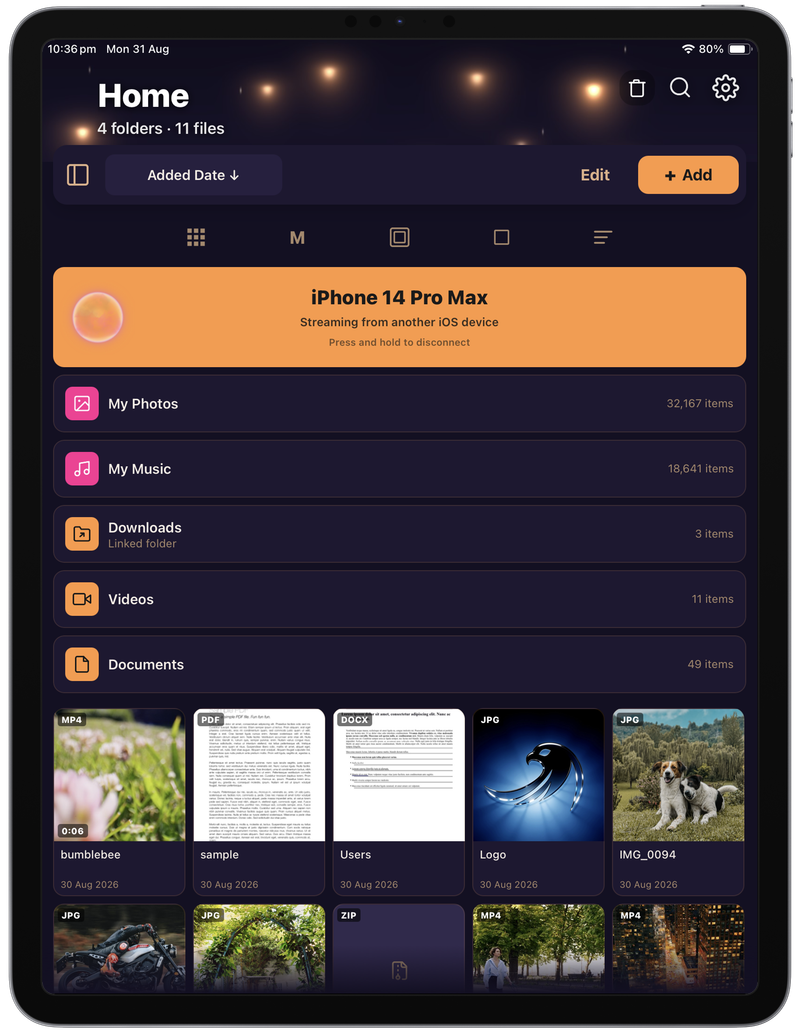
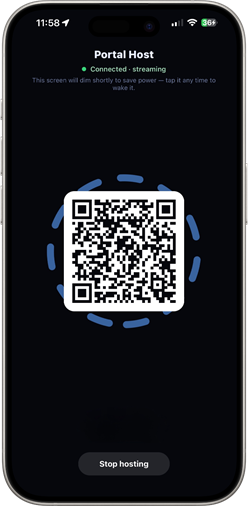
Open a portal to the library of another iPhone or iPad running Falcon File Manager on the same Wi-Fi. Stream videos, photos and music from your iPhone to your iPad, or the other way round, with no transfer.
Create archives from any selection, including password-protected ones with AES-256, and extract them back out. All on-device.
Lock individual folders behind a PIN and Face ID or Touch ID, so sensitive media stays private even if someone else has your unlocked phone.
Falcon works beautifully for free. Pro adds the power-user features for a single one-time purchase, with no subscription and no adverts, ever.
The whole library, every player, forever.
Everything in Free, plus these extras.
Falcon File Manager is on the App Store, free, for iPhone and iPad.