Everything unlocked, one time.
Falcon works beautifully for free. Pro adds the power-user features for a single one-time purchase, with no subscription and no adverts, ever.
Unlock Pro from inside the app.
Every premium feature.
One purchase unlocks all of these.
Linked Folders & Cloud
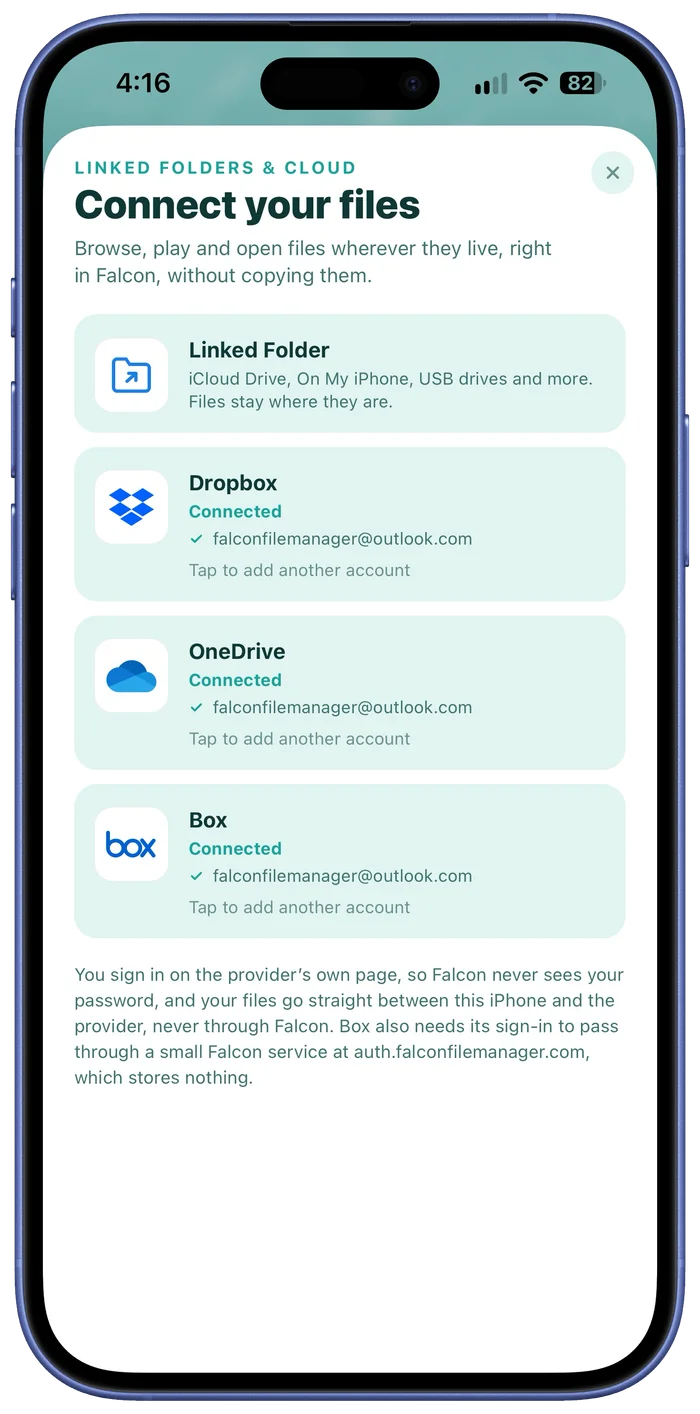
Connect your own Dropbox, OneDrive and Box accounts, or link any folder from the Files app, iCloud Drive or a USB drive. Browse, play and edit everything right inside Falcon, without importing or copying a thing.
Your files stay where they are, and changes you make go straight to the originals. Connect as many accounts as you like.
All premium themes + custom designer
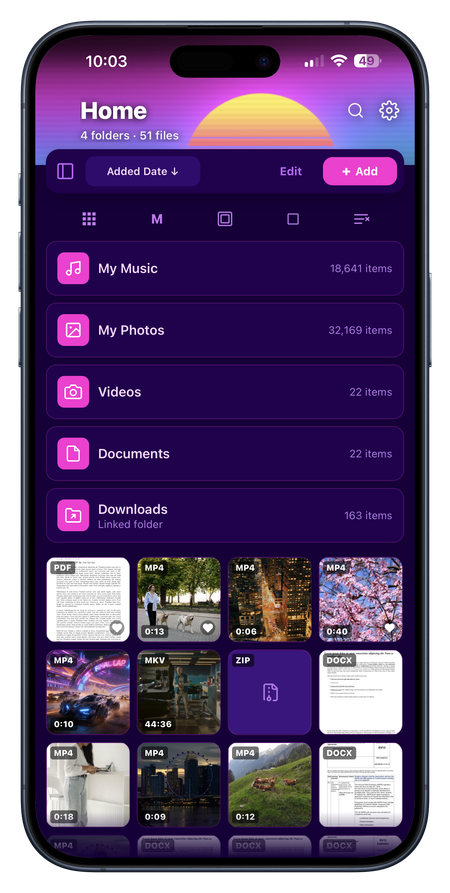
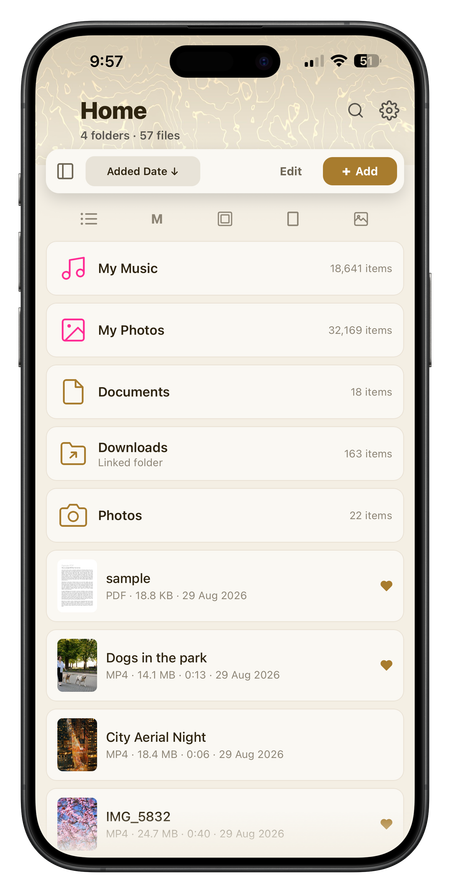
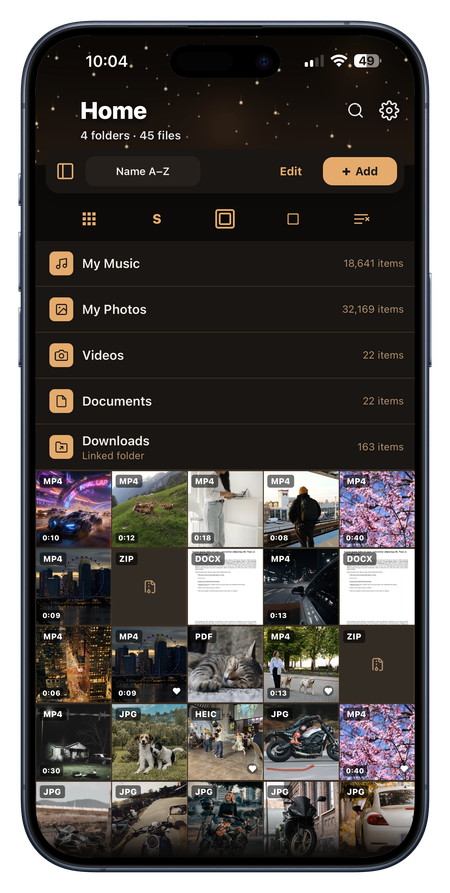
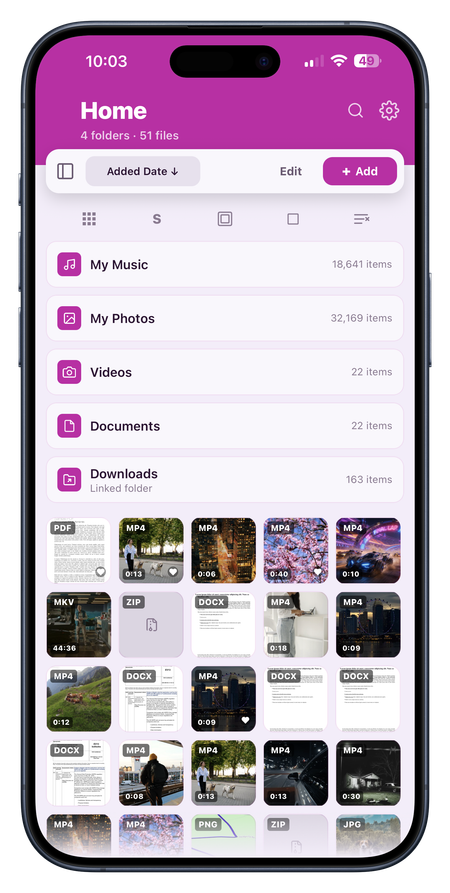
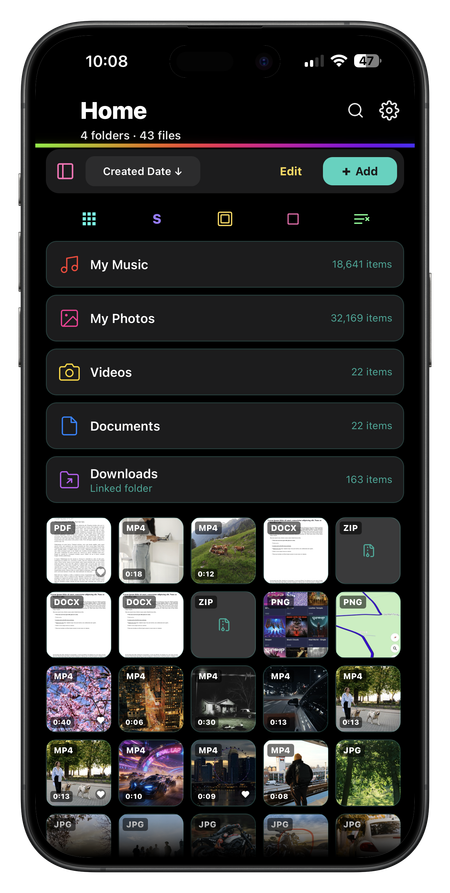
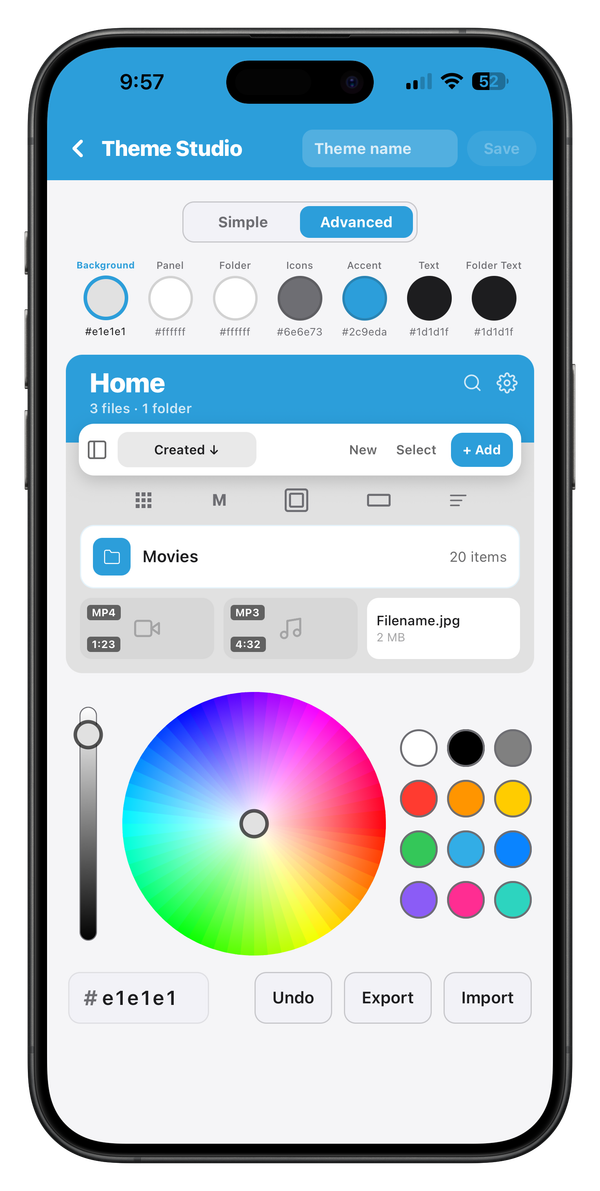
Unlock 36 premium themes, each with light and dark variants, plus a custom theme designer with a colour wheel: pick a handful of base colours and Falcon derives a full, coherent look for the whole app.
Folder customisation
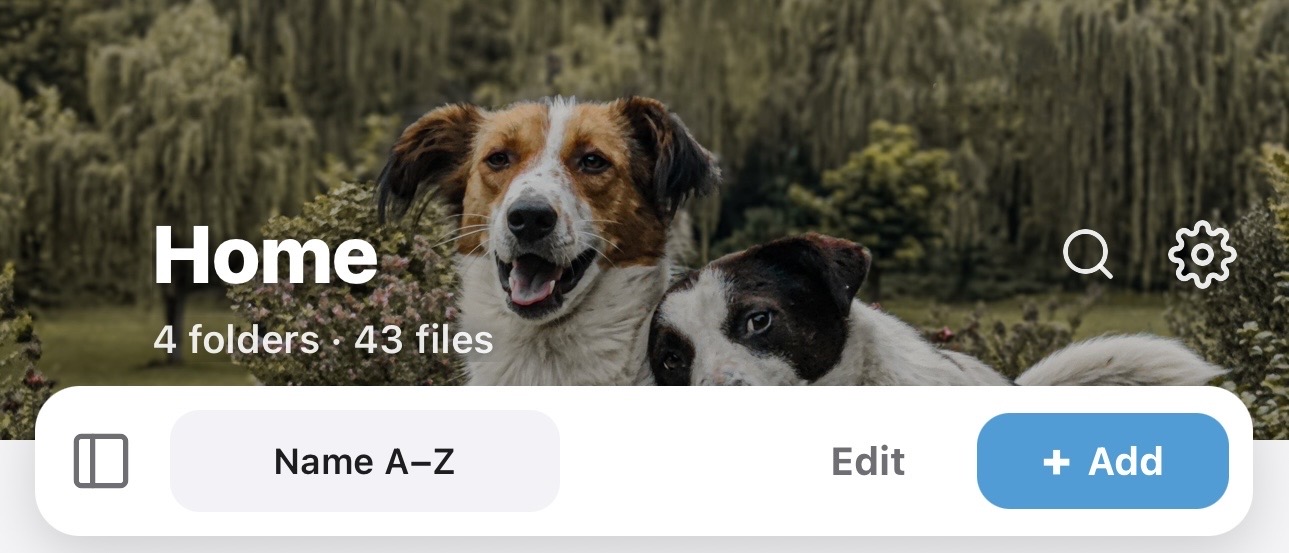
Make every folder yours. Set a custom header from any photo in your library, so opening a folder feels like your own space instead of a plain list.
Folder icons and colours
Give each folder its own icon and colour too: choose from 60 icons and ten colours, so your library is easy to read at a glance.
Zip archives
Create Zip archives from any selection, including password-protected ones secured with AES-256 encryption, and extract archives back out, all on-device.
Folder lock
Lock individual folders behind a PIN and Face ID / Touch ID, so sensitive media stays private even if someone else has your unlocked phone.
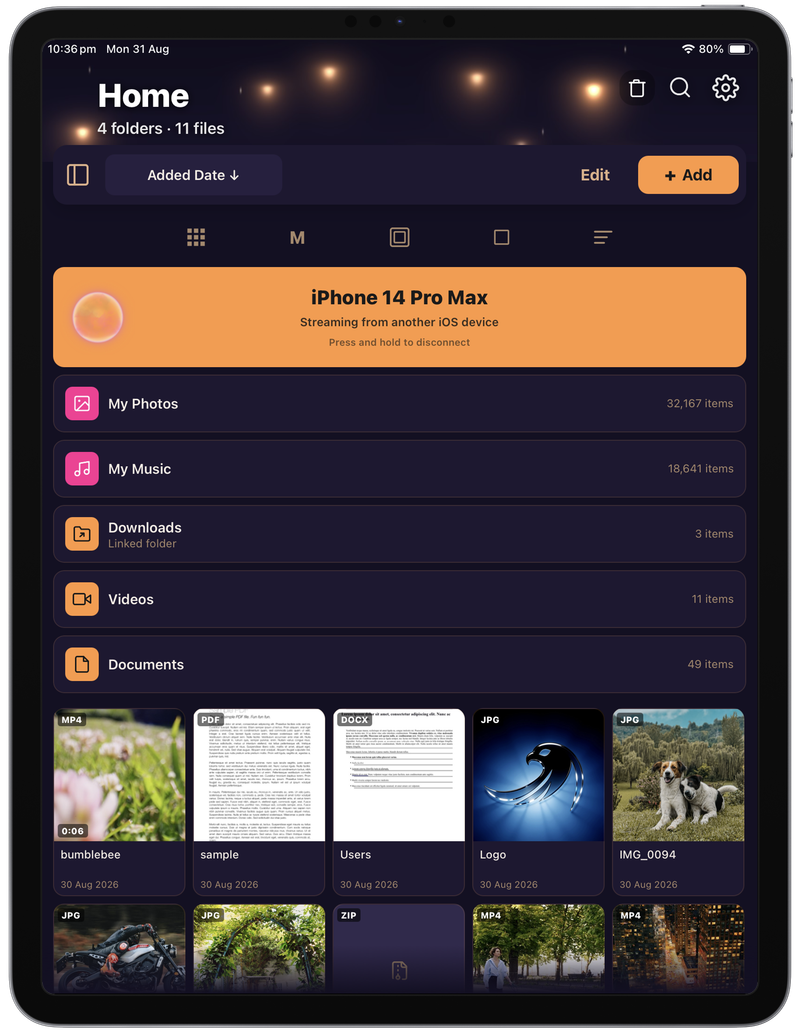
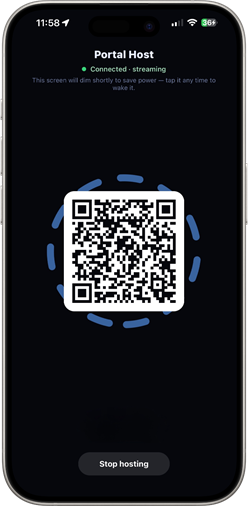
Portal Folder
Open a Portal Folder to the library of another iPhone or iPad running Falcon File Manager, on the same Wi-Fi network. Stream your videos, photos and music from your iPhone to your iPad (or vice-versa) without having to transfer files.
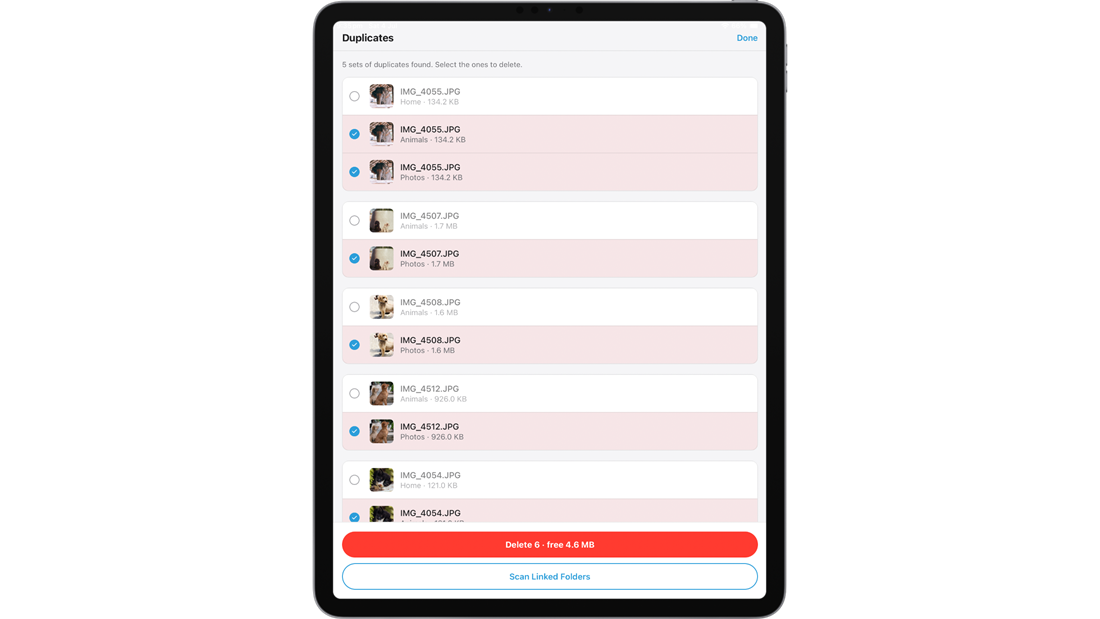
Find Duplicates
Scan your library (and linked folders) for duplicate files by content, then review and clear them in a couple of taps to reclaim space.
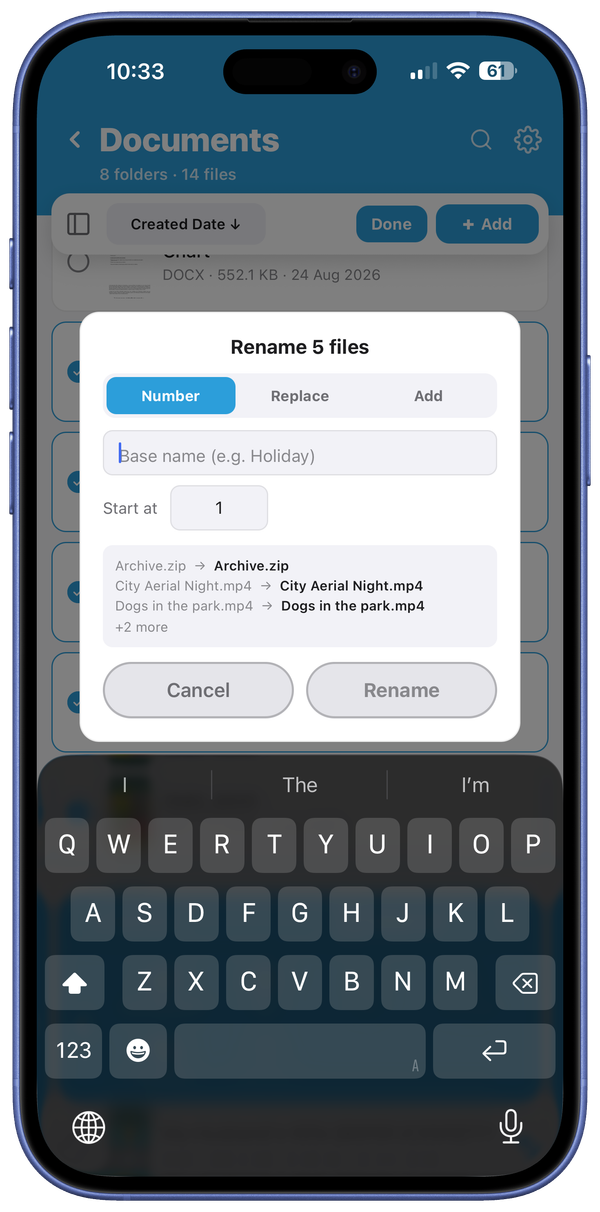
Bulk Rename
Easily rename hundreds of files at once, using three rename options:
- Choose a set name with an ascending number.
- Replace a particular word with another.
- Add text to the beginning or end of file names.
Tag Editing
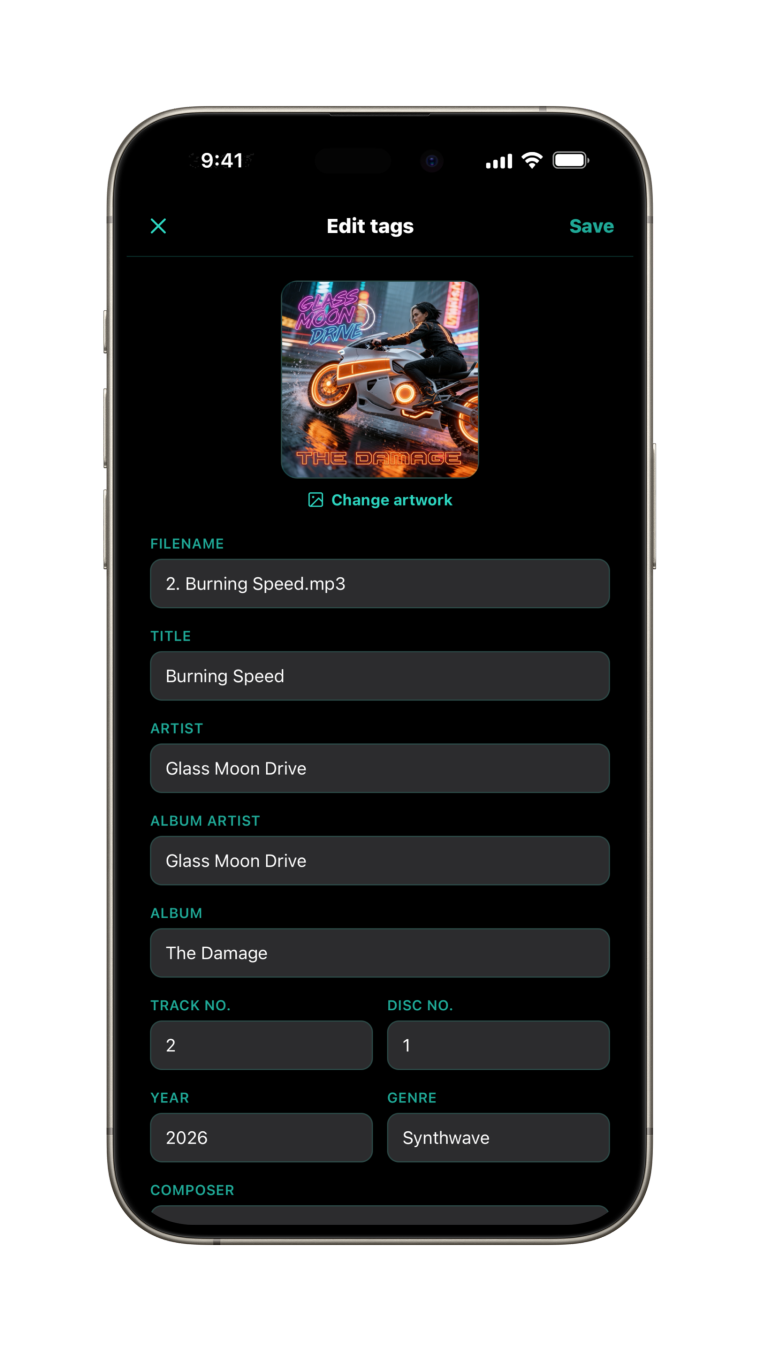
Fix the details on your music and audiobooks without leaving the app. Edit the title, artist, album artist, album, track and disc numbers, year, genre, composer, comments and lyrics, and swap the cover artwork for any photo.
Select several files to edit them together: shared fields like artist and album apply to all of them, while each track keeps its own title and number. Changes are written into the files themselves, so they travel with them.
Pay once and Pro is yours.
No subscription. No adverts. No accounts.